The Busiest Weeks Are the Worst Time for Surprises
Black Friday is November 27 this year, followed by Small Business Saturday on the 28th and Cyber Monday on the 30th. For a lot of local businesses, the next six weeks bring more website visitors than any other time of year.
They also bring less time to fix anything. When you’re busy serving customers, a broken form or an out-of-date hours page can sit unnoticed for days.
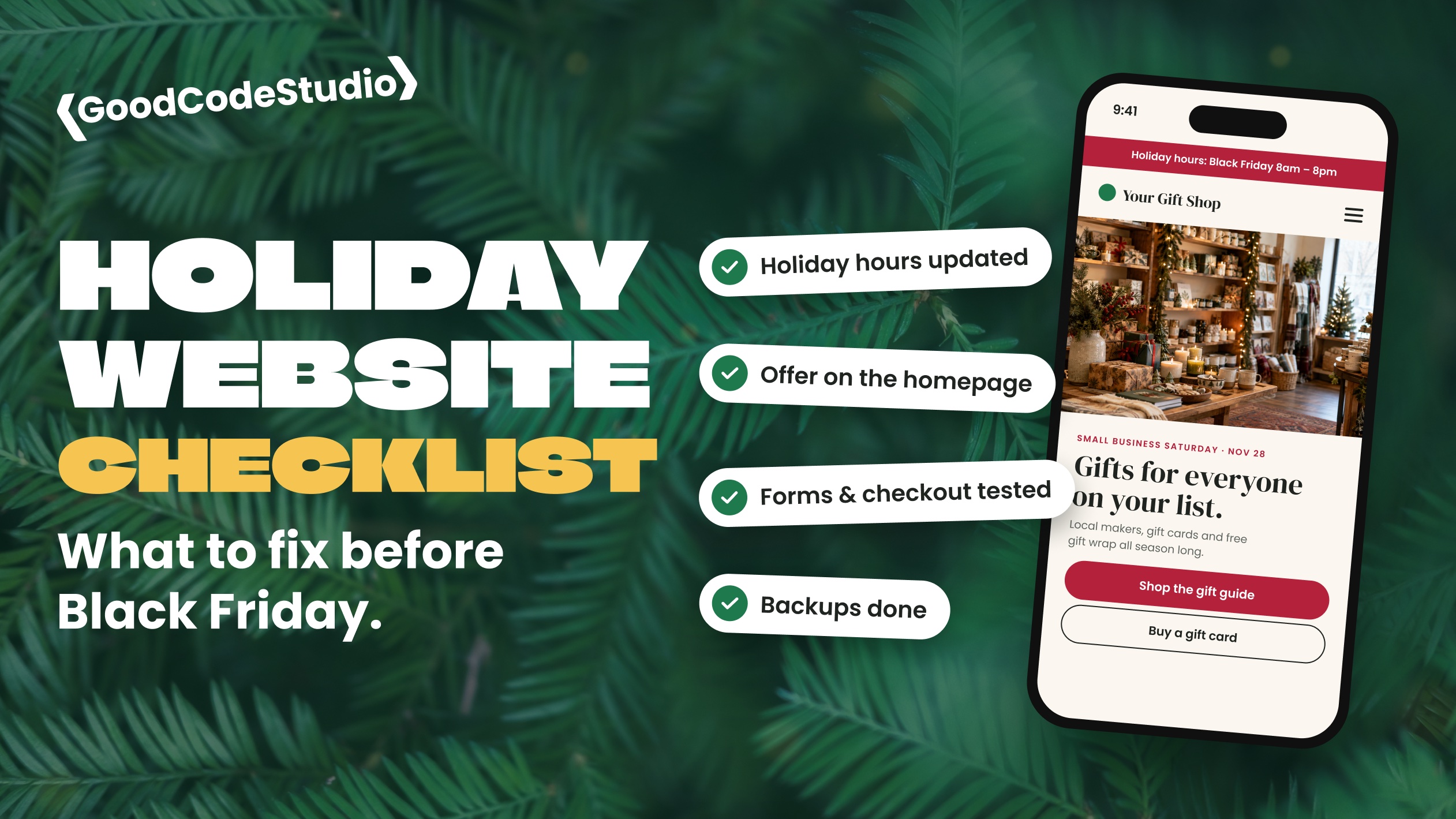
Here’s the checklist I run through with clients before the holiday rush. Most of it takes an afternoon.
1. Update Your Holiday Hours Everywhere
Holiday hours are one of the most common things people look up, and one of the most commonly wrong.
- Add your holiday hours to your website, ideally on the homepage and contact page
- Update your Google Business Profile with special hours for each holiday
- Check Apple Maps, Yelp, and Facebook too
- Make sure they all match
If your website says you’re open and Google says you’re closed, customers won’t know which to believe.
2. Put Your Holiday Offer Front and Center
If you’re running a sale, offering gift cards, or taking holiday orders, don’t bury it.
- Add a short announcement bar or banner at the top of your site
- Create one simple page for your holiday offer with a clear way to buy or book
- Include the dates, so people know when it ends
- Remember to take it down afterward
Make sure the offer is easy to find on a phone. That’s where most holiday browsing happens.
3. Test Every Form, Booking Tool, and Checkout
This is the step I’d never skip.
- Submit your contact form and confirm the email actually arrives
- Book a test appointment if you use online booking
- Run a test purchase if you sell online, including the confirmation email
- Try it all on your phone, not just your computer
Emails are the quiet failure point. A form can look like it worked while the message never reaches your inbox.
4. Check Your Speed on Mobile
A slow website loses holiday shoppers fast. Open your site on your phone over cellular data, not Wi-Fi, and click through your most important pages.
If it feels slow, common quick fixes include compressing large images, removing plugins you don’t use, and making sure caching is turned on.
5. Freeze Big Changes and Back Everything Up
The holidays aren’t the time for a redesign or a major plugin overhaul.
- Make a full backup before the rush, and confirm you can restore it
- Apply security updates, but test them first
- Hold off on new features or big design changes until January
- Know who to call if something breaks on a Saturday
6. Make It Easy to Reach You
Holiday customers often have quick questions: Are you open? Do you have this in stock? Can I pick up today?
- Put your phone number in the header, and make it tappable on mobile
- Keep your contact page short and simple
- If you’re away for a few days, say so, and say when you’ll reply
7. Plan for January
Write down what customers asked about, which pages they visited, and what went wrong. That list is gold when you plan website improvements for the new year.
Final Thoughts
You don’t need a new website for the holidays. You need the one you have to be accurate, fast, and working. A few hours of checking now can save you from losing customers during your busiest weeks.
If you’d like a second set of eyes before the rush, my WordPress maintenance plans include updates, backups, and monitoring, so someone is watching your site while you’re busy. Or get in touch and I’ll take a look.