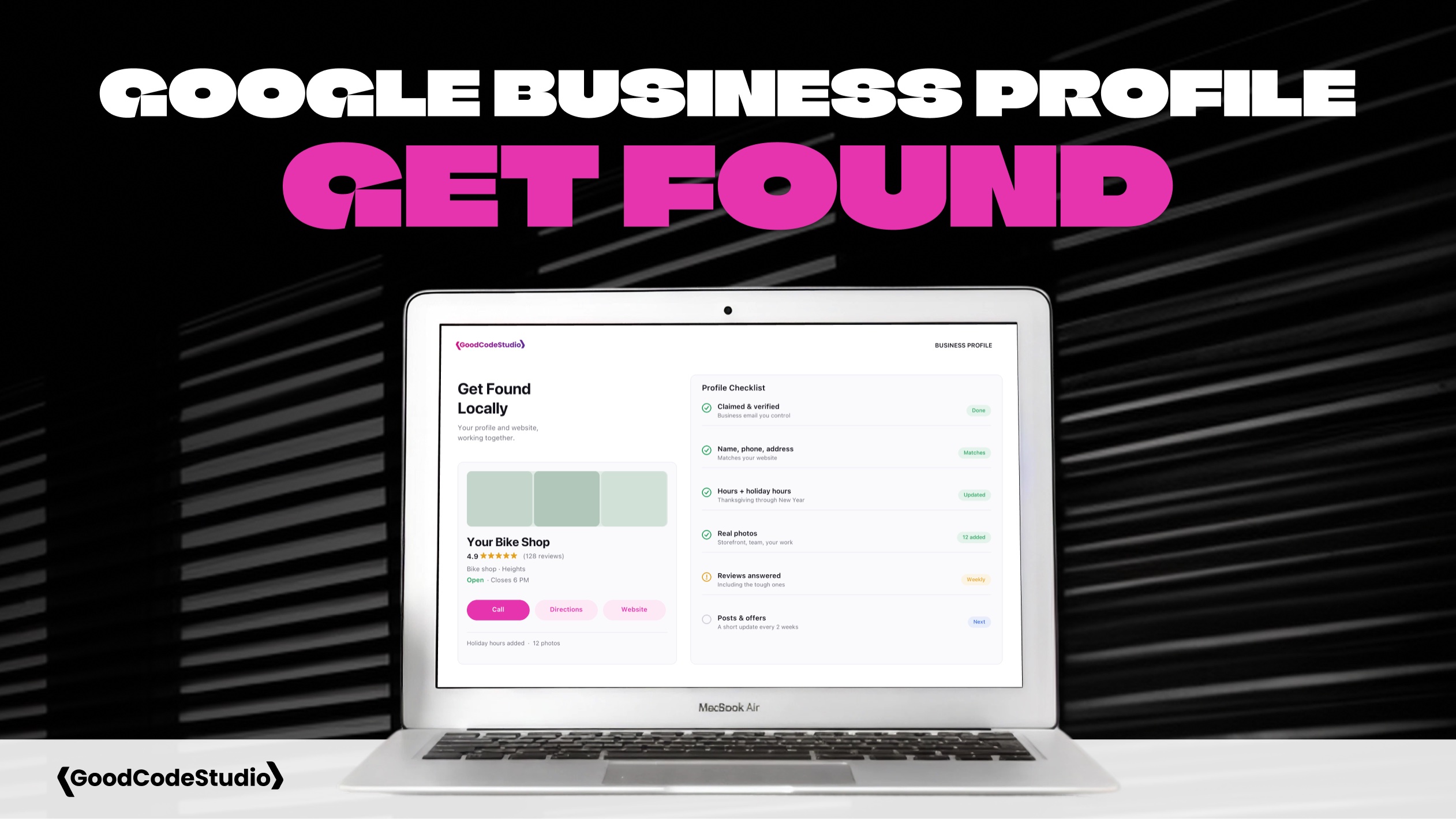
Most Customers Meet You on Google First
When someone searches “bakery near me” or “plumber in the Heights,” they usually don’t land on a website first. They see a map, a list of businesses, star ratings, photos, and hours. That panel is your Google Business Profile.
For many local businesses, it gets more views than the website itself. And a lot of people decide whether to call, visit, or keep scrolling based on that profile alone.
The good news: it’s free, and most of the work is a one-time setup with a little upkeep. Here’s what I check with clients.
1. Claim and Verify Your Profile
Search for your business name on Google. If you see your profile with a “Own this business?” link, it hasn’t been claimed yet. Claim it and follow Google’s verification steps.
Use a business email you control, not a personal account or one that belongs to a former employee or agency. If you’re not sure who has access today, that’s worth sorting out. It’s the same idea as owning your domain and hosting logins.
2. Get the Basics Exactly Right
Your name, address, phone number, and website should match what’s on your website, word for word.
- Use your real business name, without extra keywords stuffed in
- Pick the most accurate primary category, then add a few secondary ones
- If you serve customers at their location, set a service area and hide your address if needed
- Link to the most useful page on your website, not always the homepage
Mismatched details confuse customers and make it harder for Google to trust your information.
3. Keep Your Hours Current
Wrong hours are one of the fastest ways to lose a customer’s trust. Set your regular hours, then add special hours for holidays, closures, and events.
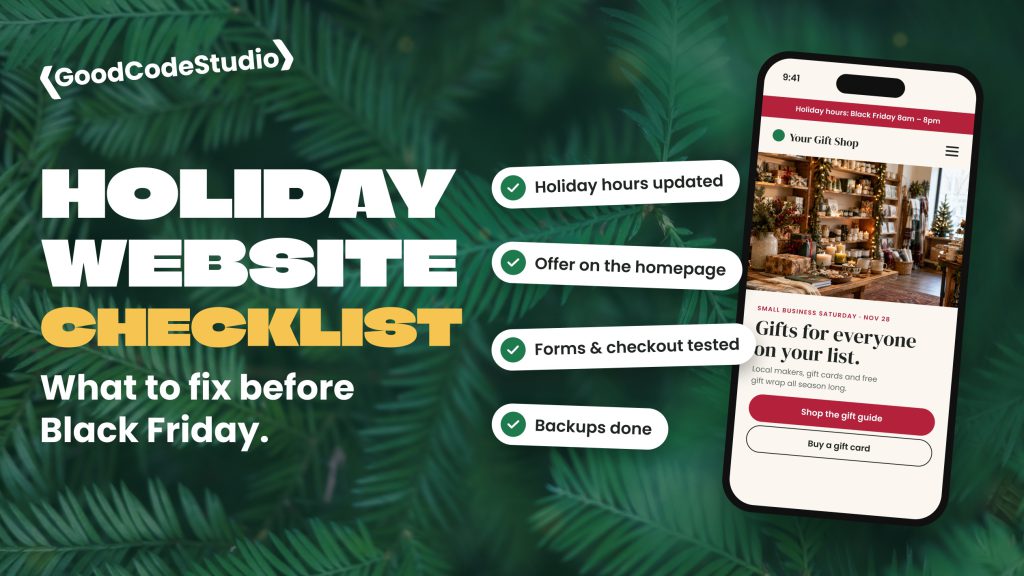
With Thanksgiving and the holiday season coming up, now is a good time. Our holiday website checklist covers the rest of what to update before the rush.
4. Add Real Photos
Profiles with good photos tend to get more clicks and calls than profiles without them. Skip the stock images.
- Your storefront or entrance, so people can find you
- Your team, workspace, or the inside of your shop
- Your products or finished work
- A clear logo and cover photo
Add a few new photos every couple of months. It shows the business is active.
5. Ask for Reviews, and Reply to Them
Reviews are a big part of how people choose between local businesses. The simplest way to get more is to ask. Google gives you a short review link you can text or email to happy customers.
Reply to reviews too, including the bad ones. A calm, helpful reply to a complaint often says more about your business than five-star reviews do.
6. Use Posts for Updates and Offers
Google Business Profile lets you publish short posts with a photo and a link. Use them for holiday hours, seasonal offers, events, or new blog posts. They don’t need to be fancy. A short post every week or two keeps your profile looking current.
7. Make Your Website Back It Up
Your profile and your website work together. When someone clicks through, the page they land on should confirm what they just saw.
- Show the same hours, phone number, and address
- Put your phone number in the header, and make it tappable on mobile
- Mention the neighborhoods or areas you serve
- Make the next step obvious: call, book, or get directions
If your website is slow or out of date, the profile can only do so much. A visitor who clicks through and finds old hours or a broken form usually doesn’t come back.
Final Thoughts
Your Google Business Profile is often your first impression, and it’s one of the few marketing tools that’s completely free. An hour of cleanup now can bring in calls for months.
If you’d like help making your website and your profile work together, get in touch. I’m happy to take a look at both.